Nevermore Max 2 PCB
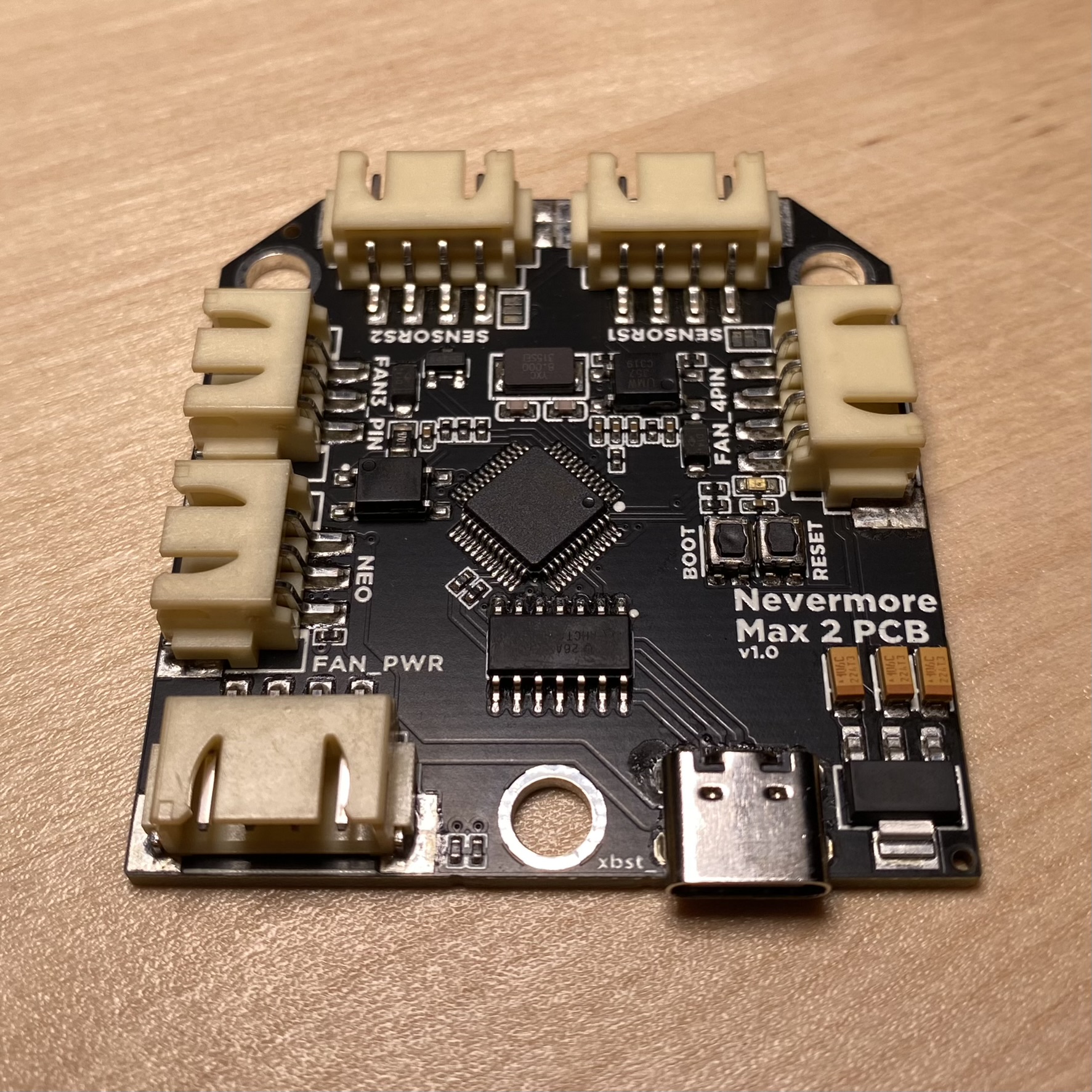
Controller PCB for the Nevermore Max air filter.
This PCB does not support CAN bus communication. Use USB Serial Communication when flashing firmware.
Mount
- Print the
bottle openerNevermore Max PCB tray using the standard Voron print settings. - Remove the built-in supports.
- Superglue 2 magnets. Pay attention to the polarities.
- Mount the PCB. The plastic latches will keep the PCB in place, no screws needed. The USB/power side should be seated first.

Wiring
All connectors except USB are JST-XH. Use the diagram below to wire your fans, sensors, LEDs, and power.

Do not hot-plug VIN on your PCB. Always turn your printer off before plugging/unplugging the VIN cable.
Next Steps
Proceed to Firmware & Software Setup for flashing instructions, SGP40 plugin installation, and Klipper config.